Free browser tool · Job estimates
What is left in this quote?
Check a proposed job price against materials, labour, other job costs and your own percentage-fee assumption. Compare profit, margin and markup, then copy a labelled estimate summary to use manually in your own workflow.
No account. The calculator does not save or upload your figures.
Enter one job
Use one currency and a consistent tax basis throughout. No exchange rates, VAT or other taxes are calculated. A fixed payment fee can be included in other job costs.
If the controls do not appear, the calculator could not load. Use the worked example below; do not send private job figures to support.
Your estimate
- Profit after entered costs and modeled fee
- Profit margin on the quote
- Markup on all modeled costs, including the fee
- Entered job costs
- Modeled percentage fee
- Quote to meet your target margin in this model
- Break-even quote in this model
Review before copying. Copying writes these figures to your device’s clipboard, which your operating system or clipboard sync may retain or share. Clear inputs cannot remove an earlier clipboard copy or cancel a copy already in progress. No quote or invoice is sent.
Fee arithmetic retains fractional minor units until display. Amounts and percentages round separately to two places and may not add up at sub-minor-unit sizes; target and break-even quotes round up to the next minor unit. Your payment provider’s own rounding or fee terms may differ.
Fill the form and choose Check this quote, or load the labelled example. Results are arithmetic, not a guarantee of earnings or a saved quote.
Worked example, not your data
Materials 350 + labour 400 + other costs 50 = 800. A quote of 1,000 with a 2.5% modeled fee leaves 175: a 17.50% margin and 21.21% markup on the 825 of modeled costs. A 20% target needs a quote of 1,032.26 in this model.
Margin is not markup
Margin divides profit by the quote price. Markup divides the same profit by all modeled costs, including the entered percentage fee. A 20% markup does not mean you keep 20% of the selling price.
Profit = quote − entered job costs − (quote × fee)Margin = profit ÷ quoteMarkup = profit ÷ (entered costs + modeled fee)Target quote = entered costs ÷ (1 − fee − target margin)
The fee and target in the last formula are fractions, so 2.5% is 0.025. This is a one-job estimate, not a company-wide break-even analysis. Zero entered costs can make the modeled minimum zero; that is not a recommendation to work for free.
What can this miss?
Only the costs and assumptions you enter are included. Scope changes, multiple payments, minimum fees, tax, unallocated overhead and unpaid time can change the outcome. Use a consistent tax basis and check any tax or accounting treatment with your adviser. This is an estimating aid, not financial or tax advice.
Can I use the estimate elsewhere?
Calculate first, then review and copy the labelled summary. It includes your costs, price, fee and target assumptions, calculated results and limitations. Paste it manually into your own notes or quoting workflow. It does not create or send a BuildaBill quote or invoice. If automatic copying is unavailable, select the on-page summary and use your device’s Copy command.
What happens to my figures?
The calculation runs in this page. The tool does not send inputs in a request, write browser storage, add figures to a URL or transfer them into BuildaBill. Clear inputs removes the form values and on-page summary; changing any field hides and clears the old estimate until you calculate again. Copy estimate summary writes to the clipboard only when you choose it; the tool never reads your clipboard. Your operating system or clipboard sync may retain or share copied figures, and an in-progress copy cannot be cancelled. Clearing the page cannot retract clipboard or printed copies. Your browser may retain its own page/form state, and printing creates a browser-managed copy. Website hosting still receives ordinary page requests; following an external link leaves this site.
Background reading: margin and markup definitions from Shopify; break-even basics from the U.S. Small Business Administration. The job-specific fee/target model above is explained here, not a claim that either source endorses this tool.

From the Fairlight app catalogue
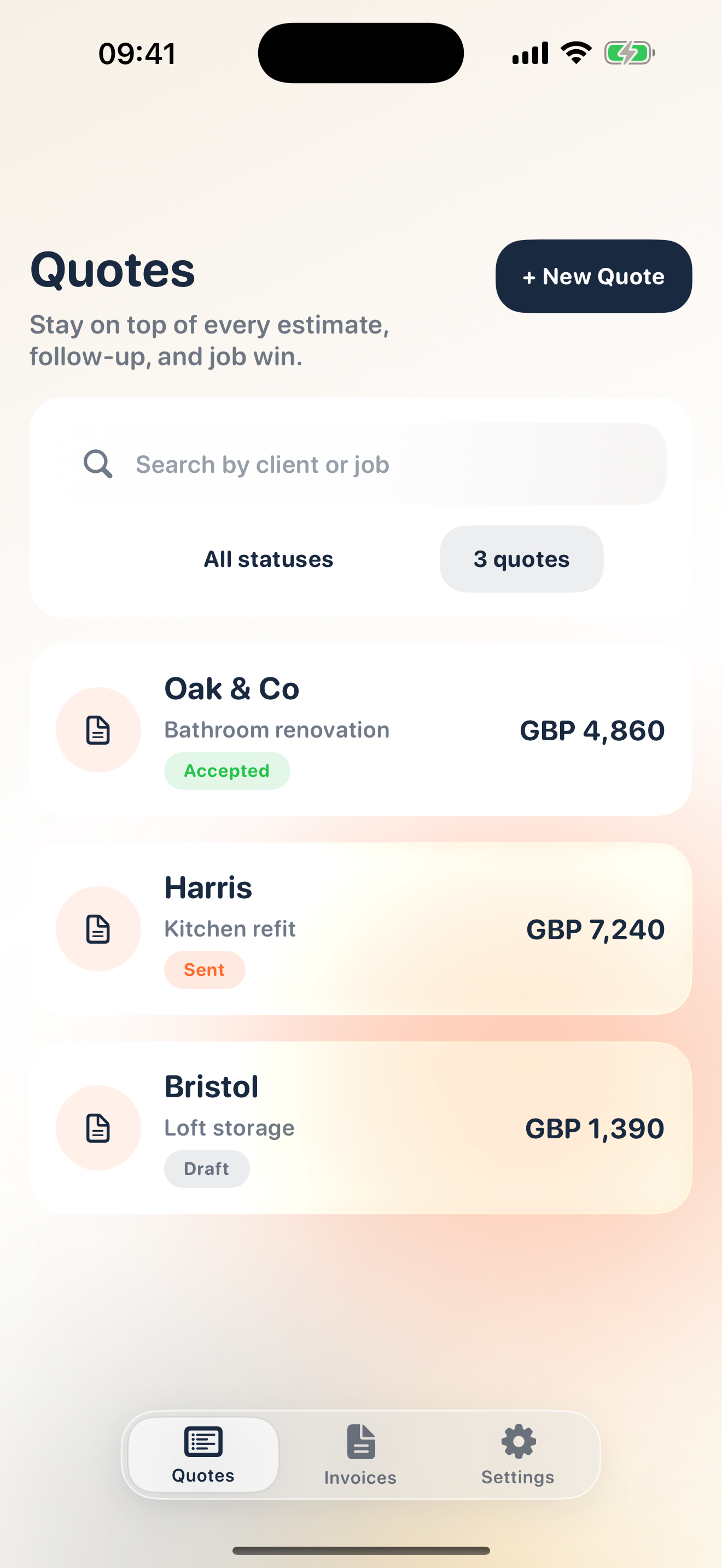
BuildaBill for quotes and invoices
Explore the released iPhone and iPad app on the App Store. This browser tool is separate: it does not create an invoice, open an account or connect to BuildaBill billing. App Store pricing and current feature details apply.
View BuildaBill on the App StoreSee an existing BuildaBill app screen with sample quotes